Bunkr: a password manager that stays on your machine
Why Bunkr keeps your encrypted vault on your own device, how Google Drive sync fits in, and what "no telemetry" means in practice.
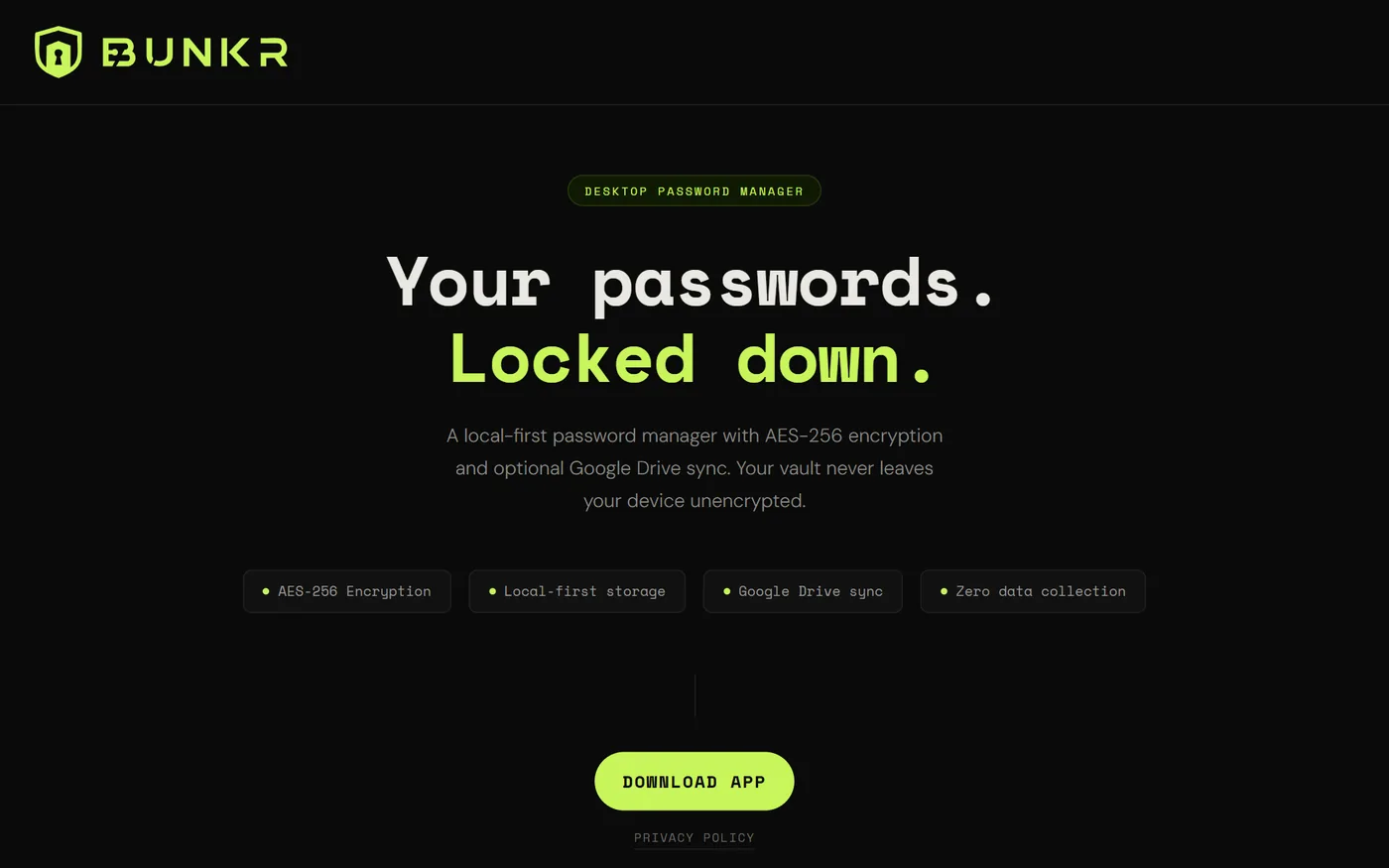
Most password managers start from the cloud: your vault lives on someone else’s servers, and your devices sync to it. Bunkr starts from the other end. The vault is a file on your machine, encrypted with AES-256, and it never needs a server to work.
Local-first
Local-first means the copy on your device is the real one. Your passwords are stored locally, so reaching them does not depend on anyone else’s server.
Sync, when you want it
Having your vault on more than one computer is still useful, so Bunkr can optionally sync it through your own Google Drive. Your vault never leaves your device unencrypted.
No telemetry
Bunkr collects no data: no telemetry, no usage analytics. What you do in the app stays in the app.
Built with
Bunkr is a desktop app built with Electron and Angular.
Open Bunkr to download it.